Inquiry Handoff Card Use the complete check on this page for one situation in your business.
Receiving and responding are two different steps
An inquiry route needs enough info for the first useful answer and a clear person responsible for giving it. Tell the visitor what submission means. A saved form proves receipt — not that an appointment or job is confirmed.
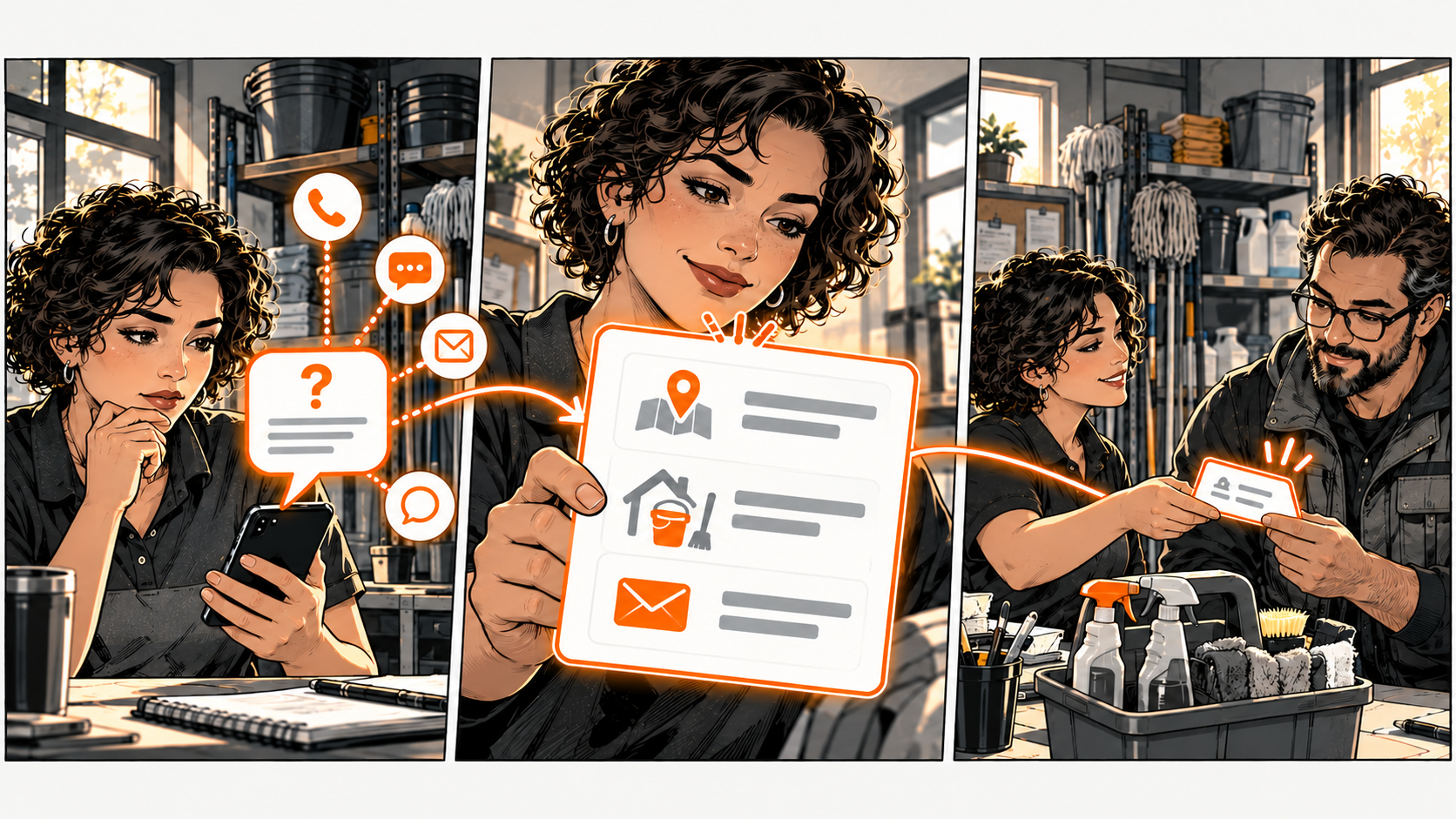
A cleaning business receives 'How much would it cost?' through several channels. The owner then asks where the property is and what kind of visit is needed. Those recurring questions could guide the first inquiry form — without asking for everything about the customer.
Ask only what the first answer needs
For the cleaner, service area, visit type, and a way to reply might be enough to determine the next step. Explain why the info is needed. Avoid collecting sensitive details or extensive personal history through a public form.
Put a clear service description and relevant limits beside the inquiry route.
If the business requires a site visit before quoting, say so. Don't imply a form computes a binding quote or reserves staff unless that's what actually happens.
Make the handoff explicit
Choose who checks the channel and who covers an absence. When another colleague needs to respond, carry the relevant context, the outstanding question, and the promised next event. Ask for acknowledgment of the handoff — don't assume assignment means acceptance.
Use an existing private record or tool. A clearer process doesn't require a new CRM. Test any automation against the real receipt and response path before relying on it.
Read back what the customer experiences
Use an agreed test method and inspect both sides: what the visitor sees and what the responder receives. Check labels, confirmation copy, and the first response. Keep your DiagBizCard's destinations aligned with the actual inquiry process.
The Inquiry Handoff Card
Pick one real situation. Copy these five lines into your notes and fill them in. The complete tool is right here — no signup or email needed.
- Request — What is the customer trying to arrange?
- Necessary context — What's needed for the first answer?
- Receipt meaning — What does submission confirm?
- Owner and cover — Who checks it — and who handles absences?
- Next event — What should the customer receive next?
Example: first cleaning inquiry / area and visit type / request received, no booking confirmed / owner checks with agreed cover / coverage answer and explanation of quote process.
If receipt looks like confirmation, correct the wording. If the responder lacks context, reduce repeated questions by improving the handoff. Verify the next event actually happened.
Common questions
Should I put all questions on the first form?
No. Ask what's needed for the next useful answer. Additional detail may be better collected once fit is established.
Is an automatic receipt a completed response?
It confirms receipt when the system really received the request. A person or verified process still needs to provide the promised next answer.